

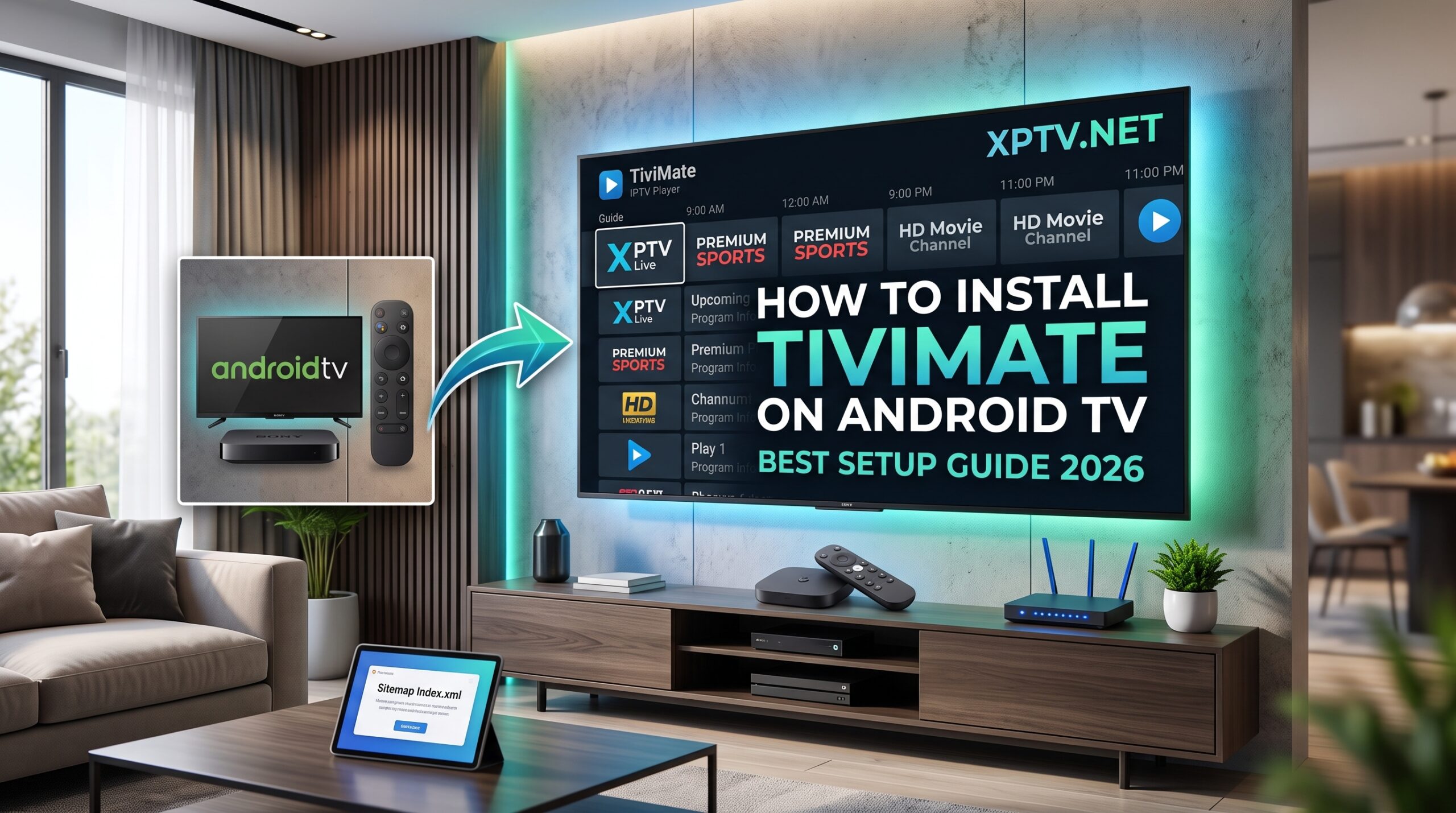
When it comes to streaming live television smoothly on modern screens, learning how to install TiviMate on Android TV is considered the single best upgrade you can make. TiviMate is widely regarded as the most advanced, fluid, and customizable IPTV player designed specifically for large screens, Google TV boxes, and smart television remotes.
Whether you use a Sony Bravia, TCL Android TV, Chromecast with Google TV, or an Nvidia Shield, this complete walkthrough shows you exactly how to install TiviMate on Android TV, configure your playlists, and eliminate streaming lag.
Prerequisites Before Installing TiviMate IPTV Player
To ensure a quick and error-free configuration, make sure you have the following elements prepared:
- An Android TV or Google TV television connected to reliable broadband (25+ Mbps recommended for ultra HD streams).
- An active subscription with valid M3U plus links or Xtream API parameters from our IPTV pricing packages.
- Access to the Google Play Store on your smart television screen.
How to Install TiviMate on Android TV via Google Play Store
Because TiviMate is fully supported on the official Android TV architecture, installing it takes less than two minutes:
- Navigate to the Apps or Search tab on your Android TV home menu.
- Type
TiviMate IPTV Playerin the search bar. - Select the official app featuring the distinctive blue TV monitor logo.
- Click Install to download the application directly to your television storage.
- Once installation completes, select Open to launch the player dashboard.
Alternative Method: Sideloading via Downloader
If your specific regional Play Store restricts player utilities, you can easily sideload the setup APK:
- Install the orange Downloader app from your TV store.
- Follow the steps explained in our previous guide on how to setup IPTV on Firestick to permit unknown application installations.
- Open Downloader, enter the direct download code for the official TiviMate APK, and click Install.
How to Setup Your Playlist and Xtream Codes in TiviMate
After launching the app, follow these steps to import your live channels and video libraries:
- Click on Add Playlist from the start screen.
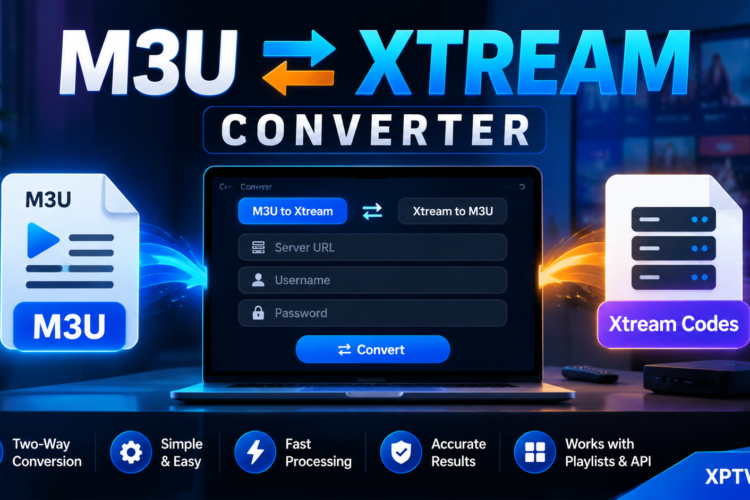
- Choose Xtream Codes (this format loads full EPG schedules and VOD categories faster than standard raw M3U URLs).
- Enter the Server Address, Username, and Password sent to your account email.
- Check the box for Include VOD to load movies and on-demand series.
- Click Next and then Done. Allow 30 to 60 seconds for the channel directory to populate completely.
You can verify which broadcast networks are included by checking our updated IPTV channel list.
Top Settings to Optimize TiviMate for Buffer-Free Playback
TiviMate offers extensive settings to make sure your streaming stays crisp without freezing:
- Increase Buffer Size: Head into Settings > Playback > Buffer size and change it from Normal to Large to prevent frame stuttering on variable connections.
- Hardware Video Decoder: Ensure Video Decoder is set to Hardware for smooth 60fps sports broadcasts.
- EPG Auto-Update: Go to Settings > EPG > Update on app start so your TV program schedule is always current.
- Multi-View Setup: TiviMate allows you to watch up to 4 live sports matches simultaneously on a single screen using the multi-view feature.
If you encounter any line authentication errors during setup, open an instant ticket through our contact IPTV support team.
Start Your IPTV Business Today
Want to turn streaming technology into recurring revenue? We provide comprehensive master panel credentials, automated credit replenishment, and high uptime lines. Check our dedicated IPTV reseller panel to get started with your wholesale portal.
Following this structured approach makes it seamless to understand how to install TiviMate on Android TV without any technical roadblocks. For broader device compatibility across different brands, explore our roundup of the best IPTV applications available today.
For detailed technical documentation on network media protocols, read more on Wikipedia.
Best IPTV Subscription in UAE: 2026 Review & Free Trial Guide
October 10, 2026[…] TiviMate Setup […]