
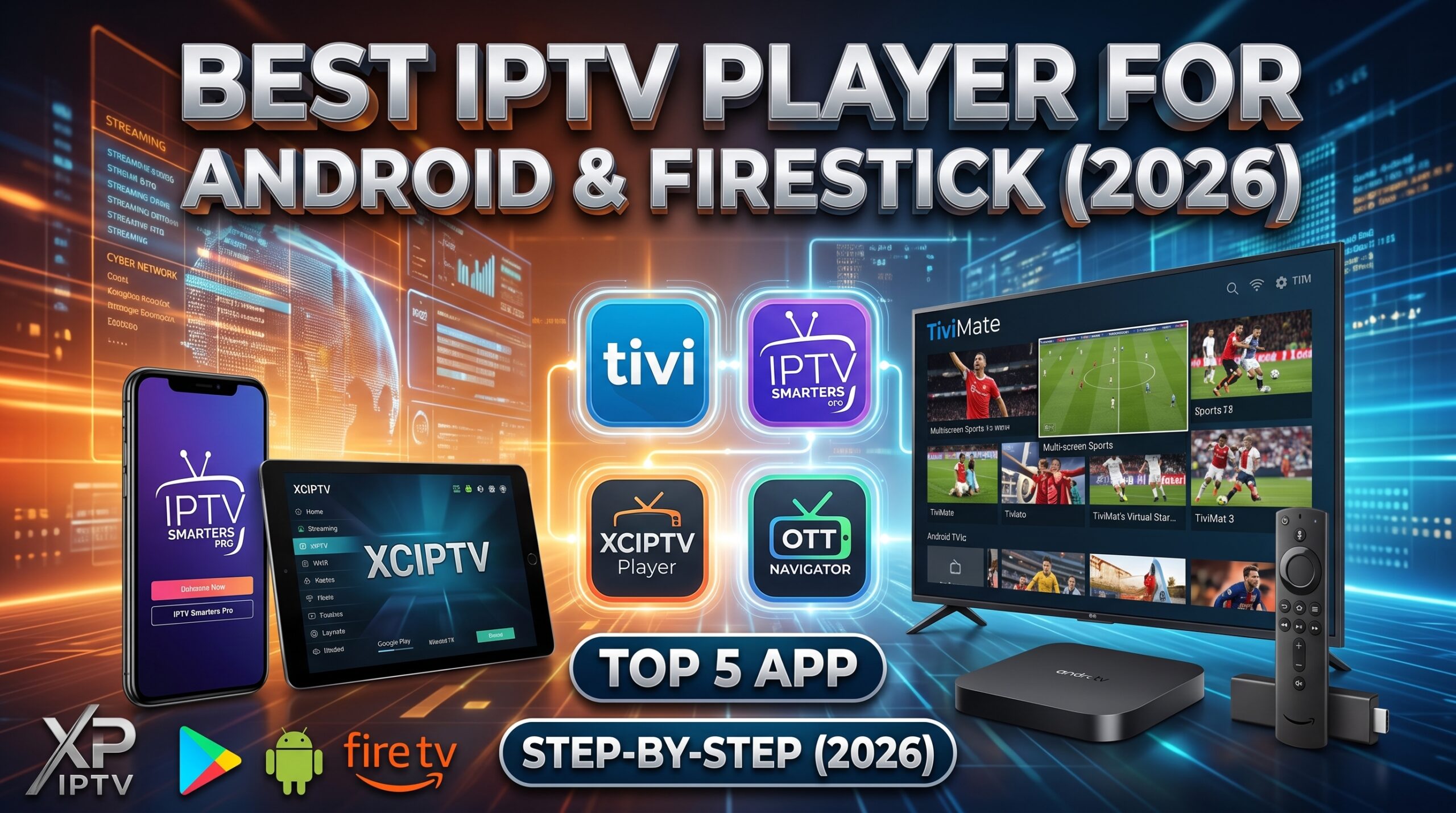
Finding the best iptv player for android can make the difference between a smooth 4K viewing experience and endless streaming freezes. While having a reliable server is vital, your media app controls how channels switch, whether the TV guide loads properly, and how clean your interface looks on smart screens.
With dozens of choices on Google Play and external stores, choosing the right application is tough. In this in-depth guide, we test and rank the top 5 applications to reveal the absolute best iptv player for android and Firestick in 2026.
Quick Comparison of Top Android IPTV Apps
Before diving into the detailed reviews, here is a quick overview of our top picks:
- TiviMate: Best overall for Smart TV and Firestick remotes.
- IPTV Smarters Pro: Best multi-screen and mobile-friendly app.
- XCIPTV Player: Best lightweight player for older Android TV boxes.
- OTT Navigator: Best for deep technical customization and studio sound codecs.
- Televizo: Best clean and minimal modern player.
1. TiviMate IPTV Player – The Undisputed King for Android TV
If you watch live television on an Android TV box, Nvidia Shield, or Amazon Firestick, TiviMate easily claims the title of the best iptv player for android big screens. It is built strictly for TV remotes with zero lag between channels.
Key Features:
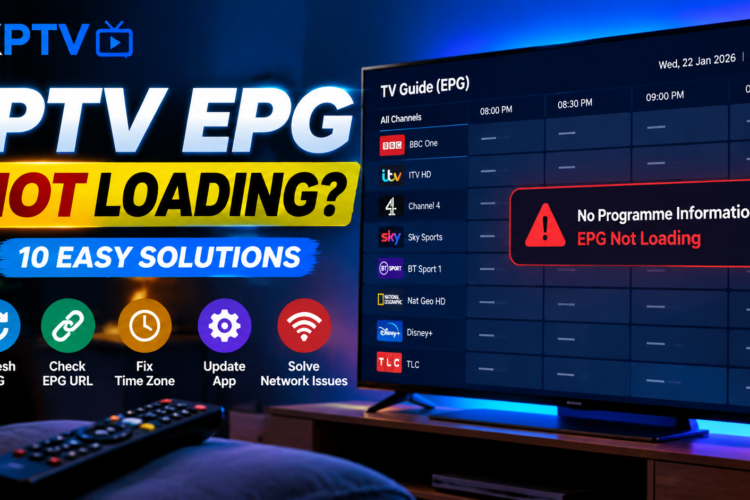
- Stunning, modern Electronic Program Guide (EPG) layout similar to cable boxes.
- Multi-screen view to watch up to 9 live sports matches simultaneously.
- Scheduled recording directly to internal or network storage (SMB/NAS).
- Customizable channel groupings, favorites, and automatic playlist syncing.
Verdict: If your priority is a television-first experience, TiviMate is the gold standard.
2. IPTV Smarters Pro – Most Versatile All-Rounder
For users who switch between smartphones, tablets, and smart TVs, IPTV Smarters Pro remains a powerhouse contender for the best iptv player for android. It supports Xtream Codes API natively, loading video on demand (VOD) and TV series posters automatically.
Key Features:
- Master search bar for movies, series, and live television.
- Built-in hardware player support (VLC & ExoPlayer engines).
- Built-in parental control locks for specific adult or mature categories.
- Easy picture-in-picture (PiP) multitasking mode on Android phones.
3. XCIPTV Player – Clean, Fast, and Lightweight
XCIPTV Player is another beloved software built by OTTRUN. It is designed to run smoothly even on entry-level Android devices with low RAM. If you are looking for the best iptv player for android that never slows down or crashes under heavy channel lists, XCIPTV is a prime choice.
Key Features:
- Dual built-in media engines (ExoPlayer and VLC) for maximum video compatibility.
- Simple icon-based main menu that non-technical family members can easily navigate.
- Backup and restore settings across multiple devices with a single tap.
4. OTT Navigator – Powerhouse for Customization
For tech enthusiasts who want total control over audio decoders, buffer sizing, and aspect ratio tweaks, OTT Navigator stands shoulder-to-shoulder with any top contender. Its codec compatibility allows smooth rendering of 5.1 surround sound audio tracks on home theater setups.
5. Televizo – Sleek and Minimal Modern Player
Televizo is modern, highly responsive, and completely uncluttered. It lets you load multiple M3U playlists and switches between live TV, series, and catch-up streams effortlessly.
How to Install the Best IPTV Player for Android via Sideloading
Some premium apps like TiviMate require sideloading on Amazon Firestick devices. Follow these steps:
- Install the official Downloader app from your TV’s app store.
- Enable Install Unknown Apps inside your device’s Developer Options settings.
- Launch Downloader, enter the direct URL or shortcode for your chosen app, and click Go.
- Open the downloaded file and click Install to finish setup.
For more details on device configurations, review the official documentation on the Android TV Official Platform.
Tips for Optimal Streaming Performance on Android
- Keep Buffer Cache at Normal: Setting buffer cache excessively high can cause audio desync. Keep it between 2 to 3 seconds for optimal live sports stability.
- Use Hardware Decoding: Always toggle HW+ (Hardware Acceleration) inside player settings to offload video processing to your GPU chip.
- Fix Buffering Proactively: If your streams pause frequently, ensure your ISP is not throttling packets during live games.
Frequently Asked Questions (FAQ)
What is the overall best IPTV player for Android TV boxes?
TiviMate is universally considered the best iptv player for android televisions due to its cable-style TV guide and ultra-fast remote navigation.
Can I use these IPTV players for free?
Yes. Apps like IPTV Smarters Pro, XCIPTV, and Televizo offer fully functional free versions. TiviMate offers a free tier, with multi-screen and recording unlocked via a premium license.
Do these players include live channels?
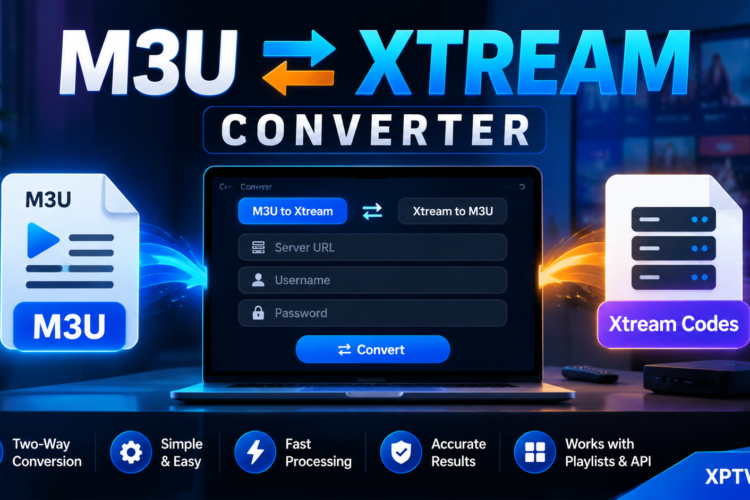
No. These players are dedicated media engines and do not supply media streams. You must connect your own M3U link or Xtream Codes login from an active subscription service.