

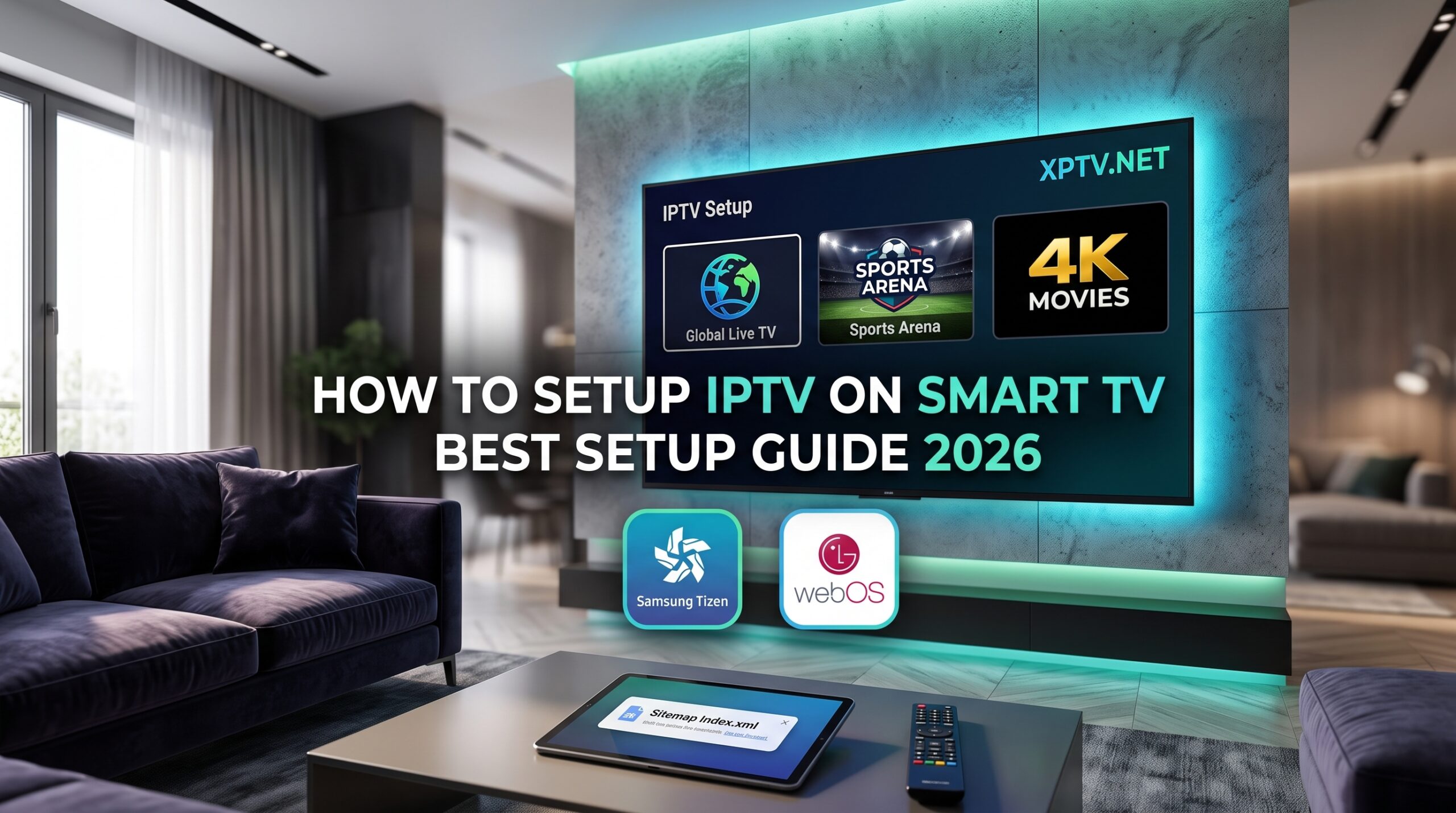
Modern smart screens offer incredible 4K HDR displays, and mastering how to setup IPTV on Smart TV is the fastest way to turn your living room into an unlimited entertainment hub. Unlike standard Android boxes, televisions powered by proprietary systems like Samsung Tizen or LG webOS handle media player utilities through their own application stores.
In this comprehensive walkthrough, you will learn how to setup IPTV on Smart TV using the most reliable dedicated players available today, upload your playlist credentials, and achieve buffer-free streaming.
Prerequisites for Smart TV Streaming
Before beginning the installation on your television, ensure you have the following ready:
- A stable Wi-Fi or Ethernet connection (Ethernet cable is recommended for 4K sports without frame drops).
- An active M3U URL or Xtream Codes login from our IPTV pricing packages.
- Access to the native application store on your Samsung or LG screen.
Best IPTV Applications for Samsung and LG Smart TVs
Because Android-native players like TiviMate cannot be sideloaded directly on Samsung Tizen or LG webOS, you should install one of the top dedicated players from your TV store:
- IBO Player: Extremely fast, highly responsive remote navigation, and excellent EPG support.
- IPTV Smarters Pro: Clean multi-screen dashboard with dedicated categories for Live TV, Movies, and Series.
- Smart IPTV (SIPTV): A classic lightweight player operated via MAC address playlist uploads.
For an in-depth breakdown of each player’s features, read our guide on the best IPTV applications.
Step-by-Step: How to Setup IPTV on Smart TV (Samsung Tizen & LG webOS)
Step 1: Install Your Chosen Player App
- Press the Home button on your smart remote control.
- Open the Samsung Smart Hub / Apps Store or LG Content Store.
- Type
IBO PlayerorIPTV Smarters Proin the search bar. - Select the application and click Install / Download.
- Launch the application once installed.
Step 2: Connect Your Playlist or Xtream API
Depending on the application you installed, follow one of these two setup methods:
- Xtream Codes Login (IPTV Smarters / IBO Player): Open the app, choose “Login with Xtream Codes API”, and type in the Server URL, Username, and Password provided with your subscription.
- MAC Address Portal (Web Portal Upload): Apps like Smart IPTV or IBO Player display a Device ID / MAC Address and a Device Key on screen. Visit the app’s upload website on your phone or PC, enter the IDs, paste your M3U playlist URL, and click save.
Restart the application on your television, and your full channel catalog will load automatically. You can check all available broadcasts on our IPTV channel list.
Troubleshooting Common Smart TV IPTV Issues
If you experience any playback problems, apply these simple adjustments:
- Streams Freezing or Buffering: Switch your Smart TV from Wi-Fi to a direct LAN cable connection, or change the stream format inside app settings from MPEG-TS to HLS.
- Audio Out of Sync: Navigate to the app audio settings and switch the audio decoder between Software and Hardware.
- Playlist Failed to Reload: Clear the application cache from your TV system settings or re-sync the playlist link.
If your credentials show an expired or invalid status, connect immediately with our 24/7 team via contact IPTV support.
Alternative Streaming Options
If your Smart TV is an older model with limited app store choices, you can add an external streaming stick for even more flexibility. Check our step-by-step tutorials on how to setup IPTV on Firestick and how to install TiviMate on Android TV.
Launch Your Own Streaming Reseller Business
Join thousands of successful entrepreneurs delivering ultra-fast streams across the globe. Access wholesale credits, an intuitive management panel, and dedicated technical assistance through our IPTV reseller panel.
Learning how to setup IPTV on Smart TV gives you instant access to thousands of live channels, premium sports packages, and blockbuster video-on-demand libraries right on your living room screen.
To learn more about smart television operating systems, read the official overview on Wikipedia.
How to Fix IPTV Buffering: 7 Proven Ways to Stop Freezing (2026)
October 10, 2026[…] Smart TV Setup […]
Best IPTV Subscription in UAE: 2026 Review & Free Trial Guide
October 10, 2026[…] Smart TV Setup […]